Notion Connector
Connect to Notion to import pages, databases, and workspace content.
Connect to Notion to import pages, databases, and workspace content.
Setup Instructions
1. Navigate to Data Integrations
Go to one of your flows, click the Data Integrations tab and select Select an Integration.
2. Select Notion
Search for Notion in the list and click Connect.
3. Get Your Credentials
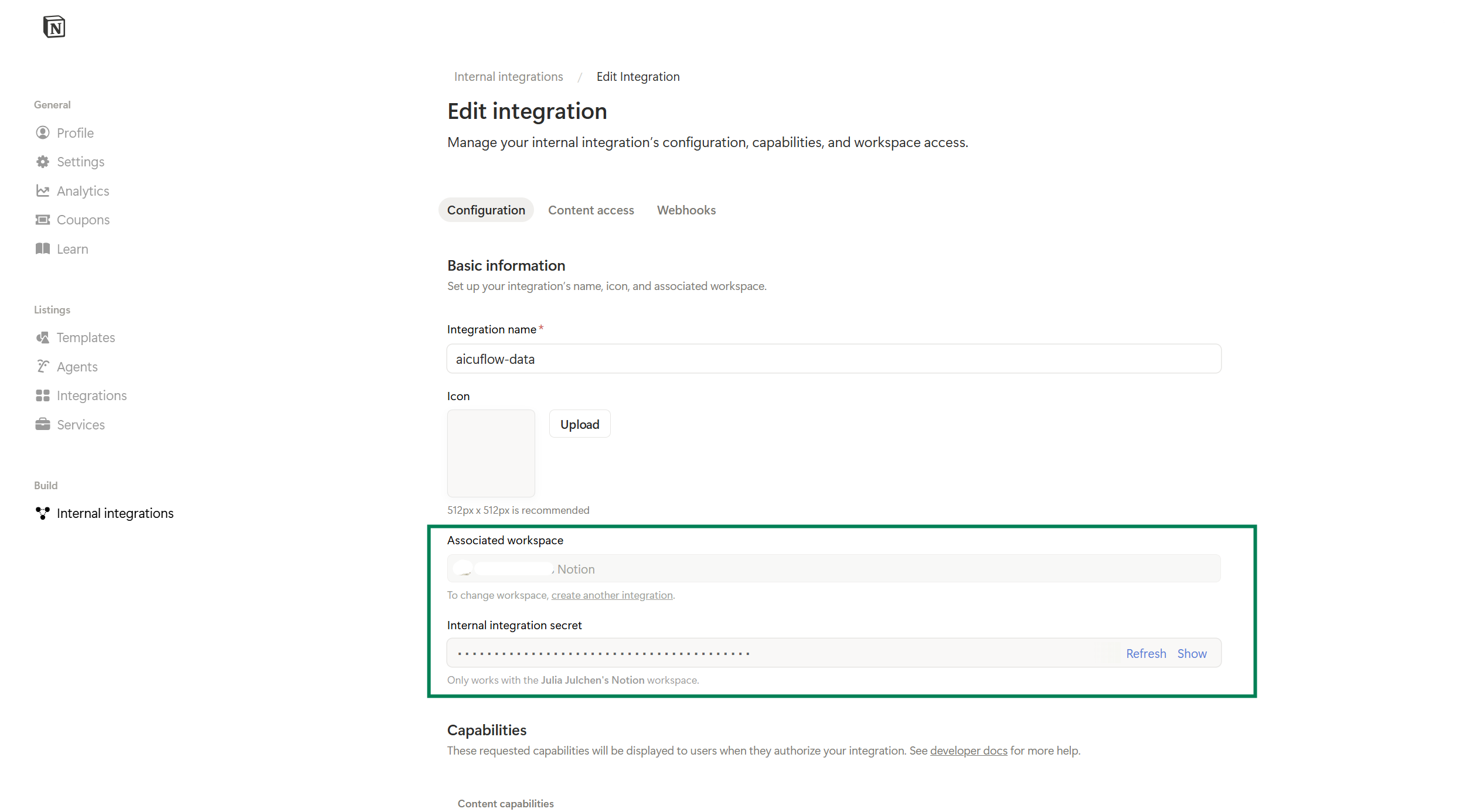
- Go to notion.so → Settings → My connections → Develop or manage integrations or click here https://www.notion.so/my-integrations
- Create a new integration, give it a name, and select your workspace
- Copy the Internal Integration Token from https://www.notion.so/profile/integrations/internal/
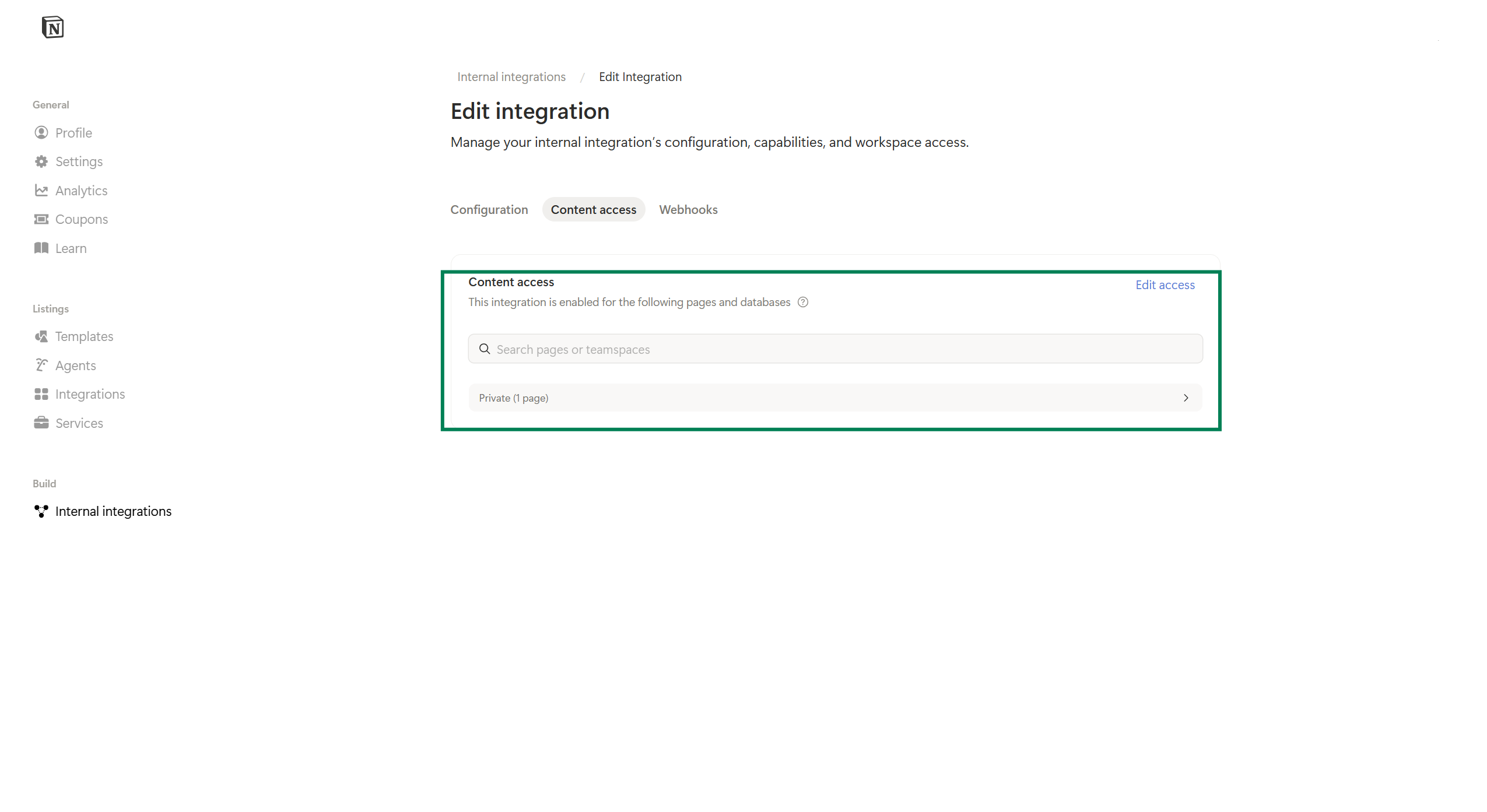
- In Notion, open the pages or databases you want to import and click Share → connect your integration or click on Content access and select the pages and databases here
4. Configure the Connector
- Connector Name: A descriptive name
- Integration Token: Your Notion integration token (starts with
secret_) - Database or Page ID: Found in the Notion page URL
Note: On every sync, a new version of your data is created. Up to 5 versions are stored by default.