AI Chat Module
Chat to manage your flow easily with AI assistance
Overview
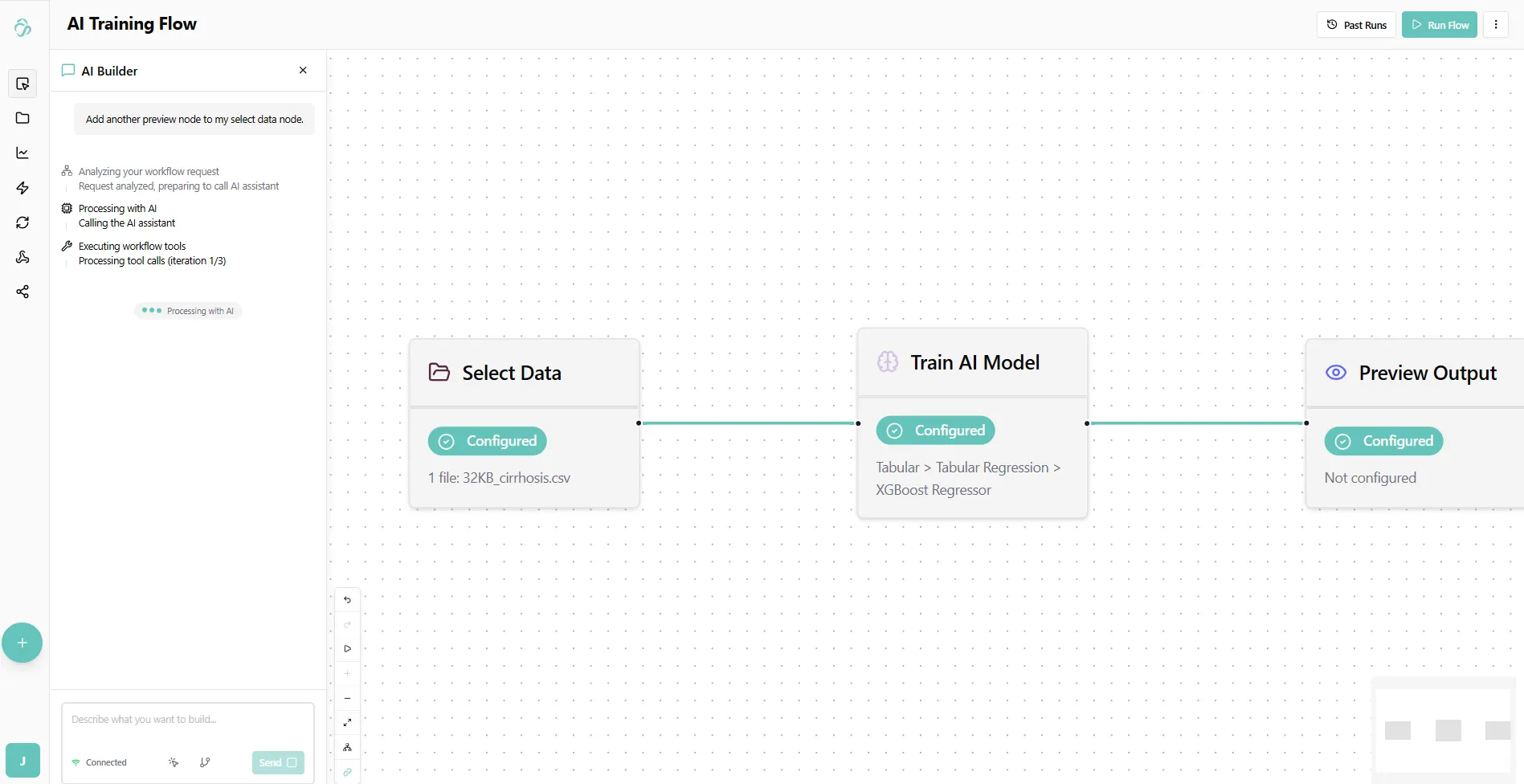
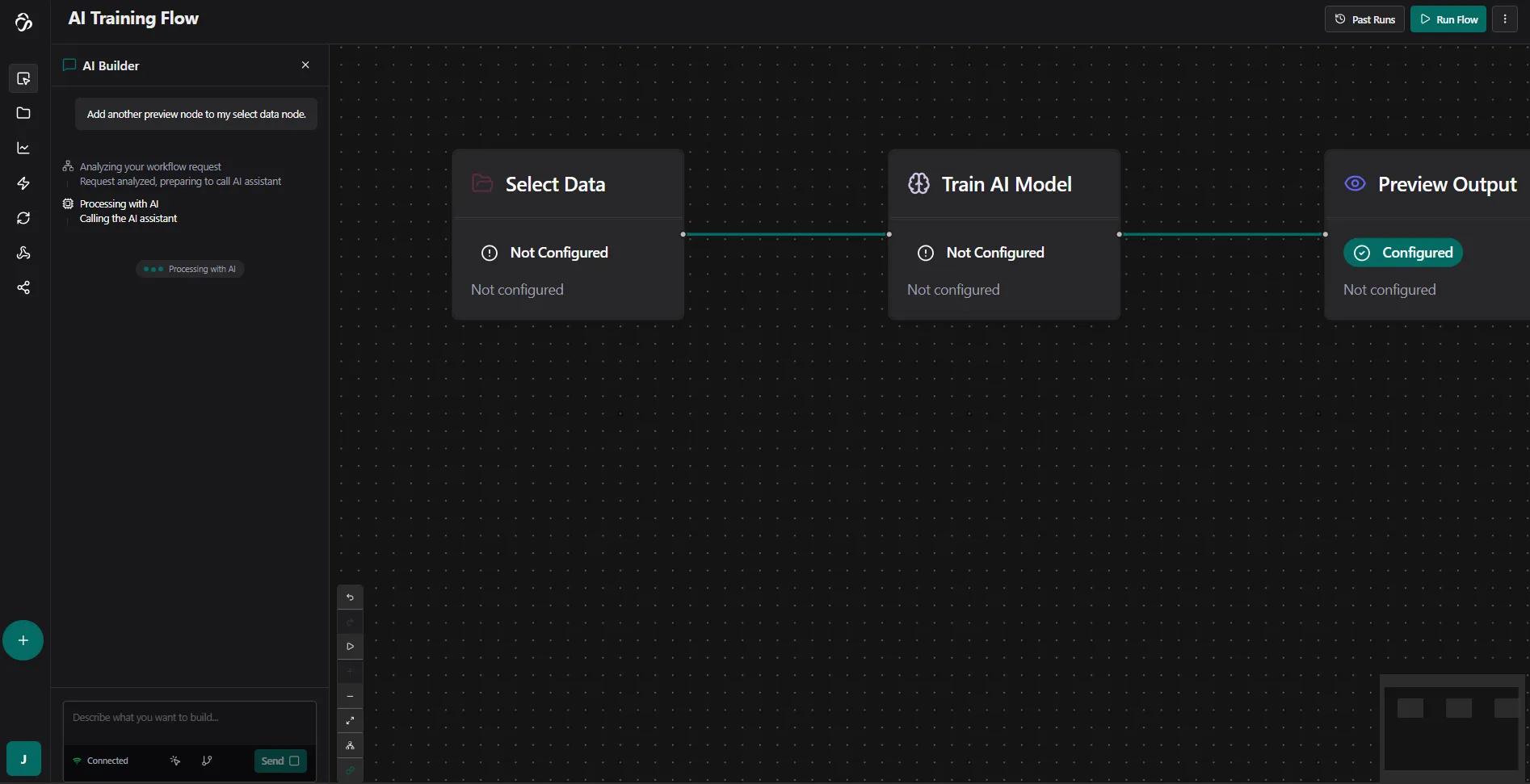
The AI Chat Module lets you interact with aicuflow using natural language. You can create, modify, understand, and debug flows without manually configuring blocks.
Key Features
Flow Understanding & Debugging
- Explain what a flow does
- Describe each step in a flow and verify configurations
- Identify complex logic, bottlenecks or quality issues
- Get troubleshooting suggestions and generate test data for edge caases
Flow Creation
- Describe what you want to build in plain language and let AI automatically selects blocks and configure the parameters
- Use flow templates to start quickly and proof-of-concepts that you scale to production
Data Connector Integration
- Configure and sync data connectors through conversation
- Query data and learn about structures and formats
Getting Started
Creating a Flow:
"Create a flow that reads data from my PostgreSQL database, processes it with a sentiment analysis model, and saves results"
Creating a Plot:
"Create a plot"
Debugging:
"Why is my flow failing at the preprocessing step?"
Modification:
"Add a better processing pipeline for my data."
Learning:
"What's the best way to handle missing values in time series data?"
Responsible Developers: Max, Aditya, Julia.