System Monitor Example
This is an advanced example using the aicuflow python library.
It creates a flow in your user account and streams system monitor data (cpu cores, swap, ram, time, ...) to a file in its file manager.
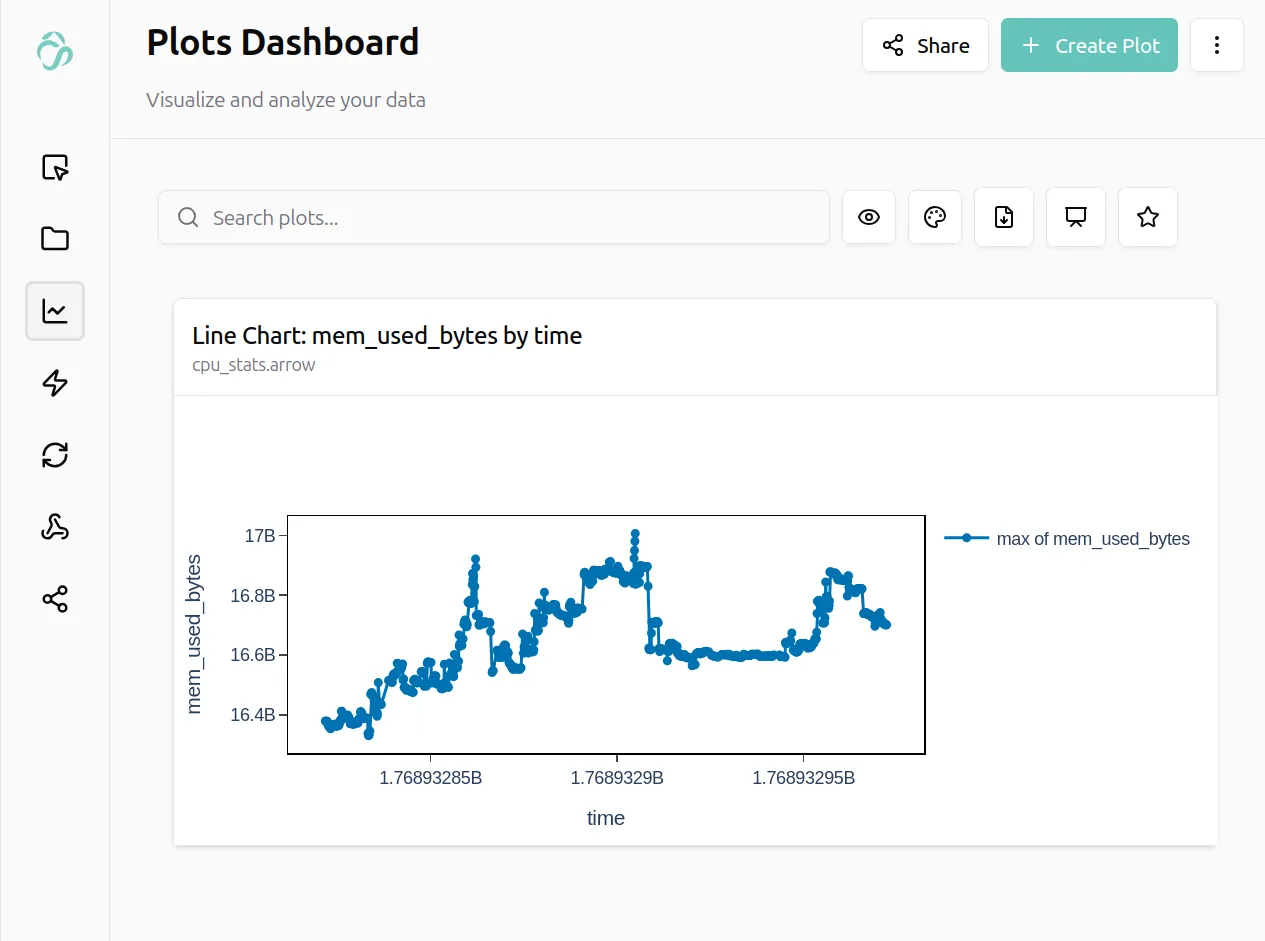
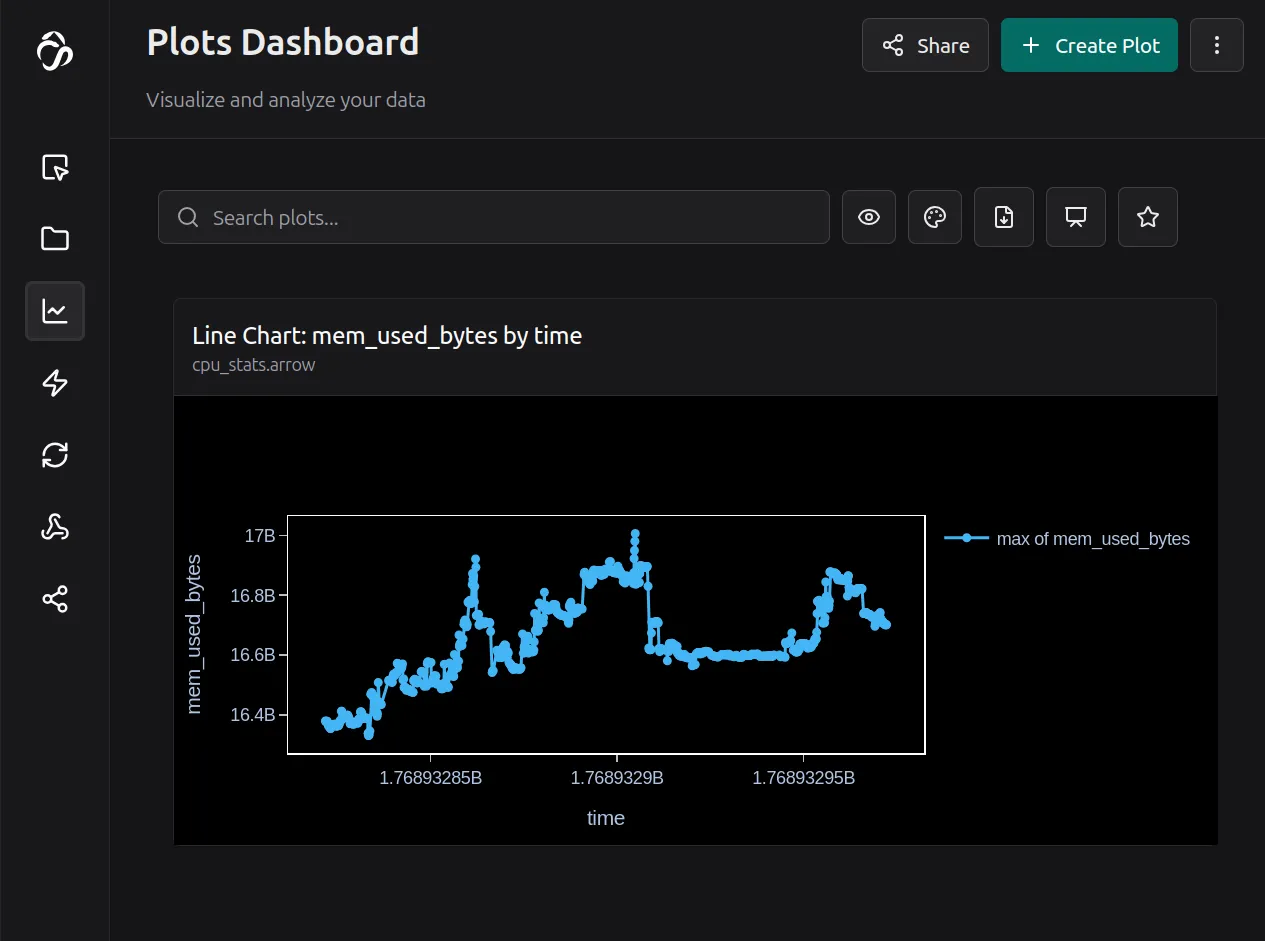
Copy the code below and run it for example in jupyterlab for testing.
The code runs till you stop it, you then can see the data incoming live in your data preview.
import time
import psutil
import aicuflow

# initialise aicuflow
ai = aicuflow.client(
    email="YOUR_EMAIL",
    password="YOUR_PASSWORD"
)

# initialise project
flow = ai.ensure_flow_by_title("python cpu monitor")
file = aicuflow.file.byname(ai, flow, "cpu_stats.arrow")

interval = 0.1          # 100 ms like gnome system monitor
flush_interval = 15.0   # send batch every 15 seconds

# start monitoring till CTRL+C
net_prev = psutil.net_io_counters()
disk_prev = psutil.disk_io_counters()
t_prev = time.time()

buffer = []
index = 0
last_flush = t_prev

try:
    while True:
        time.sleep(interval)
        now = time.time()
        dt = now - t_prev

        cpu_per_core = psutil.cpu_percent(percpu=True)
        cpu_total = sum(cpu_per_core) / len(cpu_per_core)

        mem = psutil.virtual_memory()
        swap = psutil.swap_memory()

        net = psutil.net_io_counters()
        disk = psutil.disk_io_counters()

        row = {
            "index": index,
            "time": now,

            "cpu_total_percent": cpu_total,
            "cpu_core_count": len(cpu_per_core),
            **{
                f"cpu_core_{i}_percent":
                v for i, v in enumerate(cpu_per_core)
            },

            "mem_total_bytes": mem.total,
            "mem_used_bytes": mem.used,
            "mem_available_bytes": mem.available,
            "mem_percent": mem.percent,

            "swap_total_bytes": swap.total,
            "swap_used_bytes": swap.used,
            "swap_free_bytes": swap.free,
            "swap_percent": swap.percent,

            "net_send_bytes_per_sec": (
                net.bytes_sent - net_prev.bytes_sent
            ) / dt,
            "net_recv_bytes_per_sec": (
                net.bytes_recv - net_prev.bytes_recv
            ) / dt,

            "disk_read_bytes_per_sec": (
                disk.read_bytes - disk_prev.read_bytes
            ) / dt,
            "disk_write_bytes_per_sec": (
                disk.write_bytes - disk_prev.write_bytes
            ) / dt,
        }

        buffer.append(row)

        if now - last_flush >= flush_interval:
            file.append(buffer)
            buffer.clear()
            last_flush = now

        net_prev = net
        disk_prev = disk
        t_prev = now
        index += 1

except KeyboardInterrupt:
    if buffer:
        file.append(buffer)
You find more examples in the python library examples.