Basic Ingress Example
This is a very simple example using the aicuflow python library.
It creates a flow in your user account and streams data to a file in its file manager.
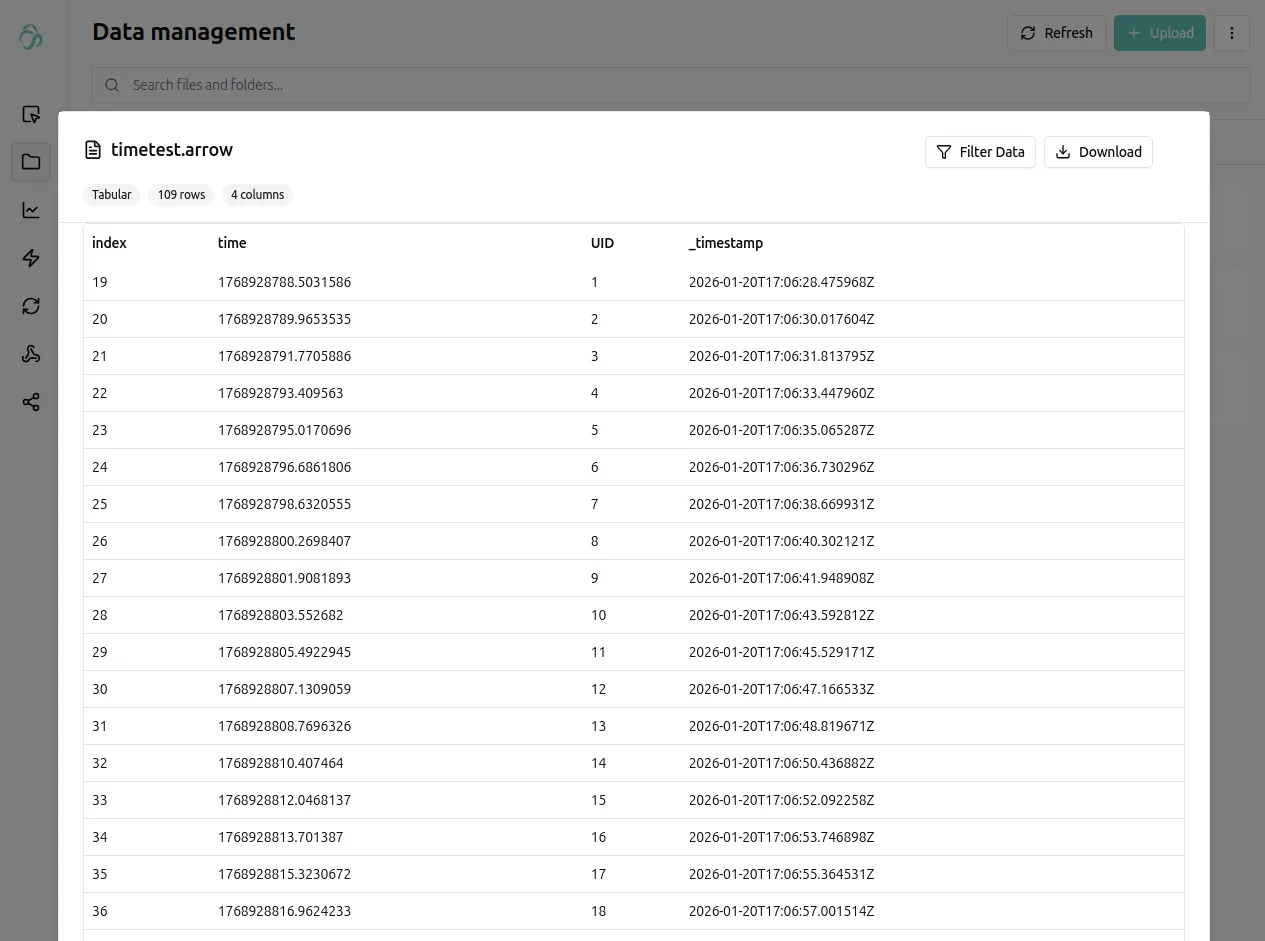
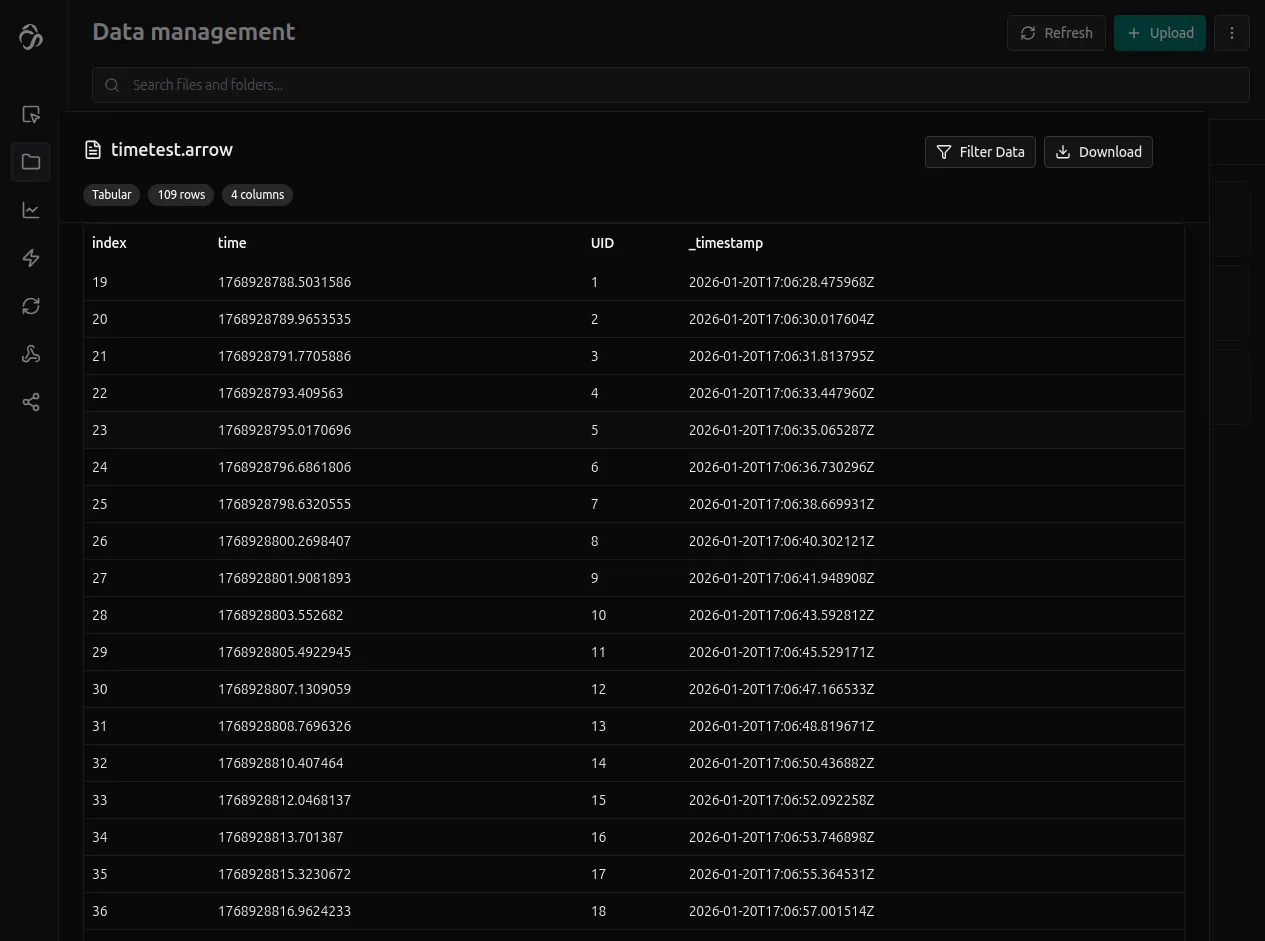
Copy the code below and run it for example in jupyterlab for testing.
import aicuflow, time

# initialise aicuflow
ai = aicuflow.client(
    email="YOUR_EMAIL",
    password="YOUR_PASSWORD"
)

# initialise project
flow = ai.ensure_flow_by_title("basic python example")
file = aicuflow.file.byname(ai, flow, 'example.arrow')

# collect data
for index in range(100):
    file.append(
        [
            {
                "index": index,
                "time": time.time()
            }
        ]
    )
    time.sleep(1)
More complex: Audio streaming
Using the above syntax, you can stream arbitrary kinds of data.
The below code is a demo to send audio data in a chunked format:
# pip install sounddevice
# linux: sudo apt install portaudio19-dev
import sounddevice as sd
import time
import base64

# initialise project
flow = ai.ensure_flow_by_title("basic python example")
file = aicuflow.file.byname(ai, flow, "live_audio_stream.arrow")

sample_rate = 16000
channels = 1
chunk_duration = 0.1          # 100 ms chunks
flush_interval = 5.0         # batch upload every 5s
frames_per_chunk = int(sample_rate * chunk_duration)

buffer = []
index = 0
last_flush = time.time()

def audio_callback(indata, frames, time_info, status):
    global buffer, index, last_flush

    now = time.time()

    # raw PCM -> bytes -> base64 (flat, portable, no nesting)
    pcm_bytes = indata.tobytes()
    audio_b64 = base64.b64encode(pcm_bytes).decode("ascii")

    row = {
        "index": index,
        "time": now,
        "sample_rate_hz": sample_rate,
        "channels": channels,
        # "frames": frames,
        "pcm_format": "float32",
        "audio_base64": audio_b64,
    }

    buffer.append(row)
    index += 1

    if now - last_flush >= flush_interval:
        file.append(buffer)
        buffer.clear()
        last_flush = now

try:
    with sd.InputStream(
        samplerate=sample_rate,
        channels=channels,
        blocksize=frames_per_chunk,
        dtype="float32",
        callback=audio_callback,
    ):
        while True:
            time.sleep(1)

except KeyboardInterrupt:
    if buffer:
        file.append(buffer)
You find more examples in the python library examples.