Math Series Example
This is a starter example using the aicuflow python library.
It creates a flow in your user account and streams data to a file in its file manager.
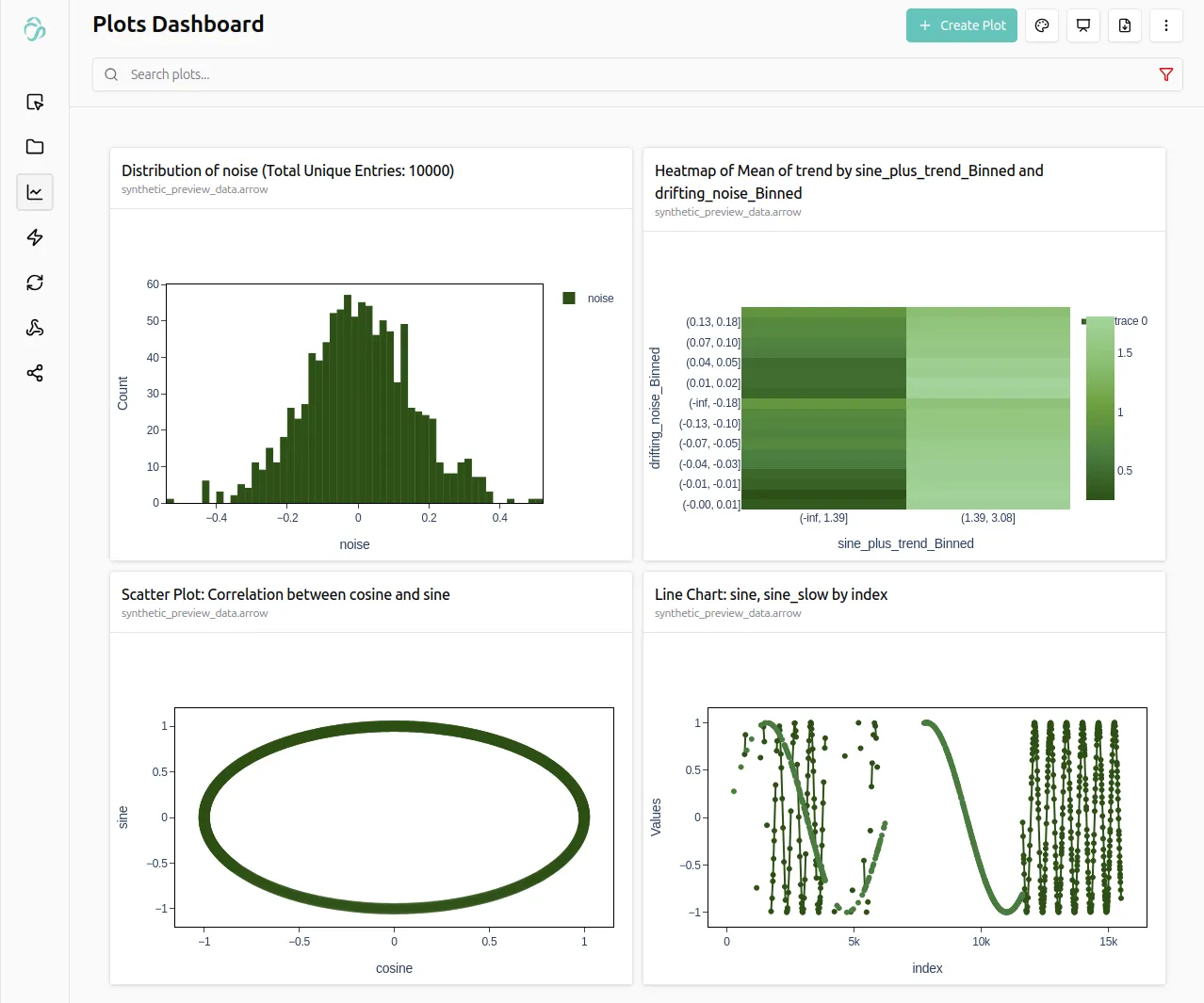
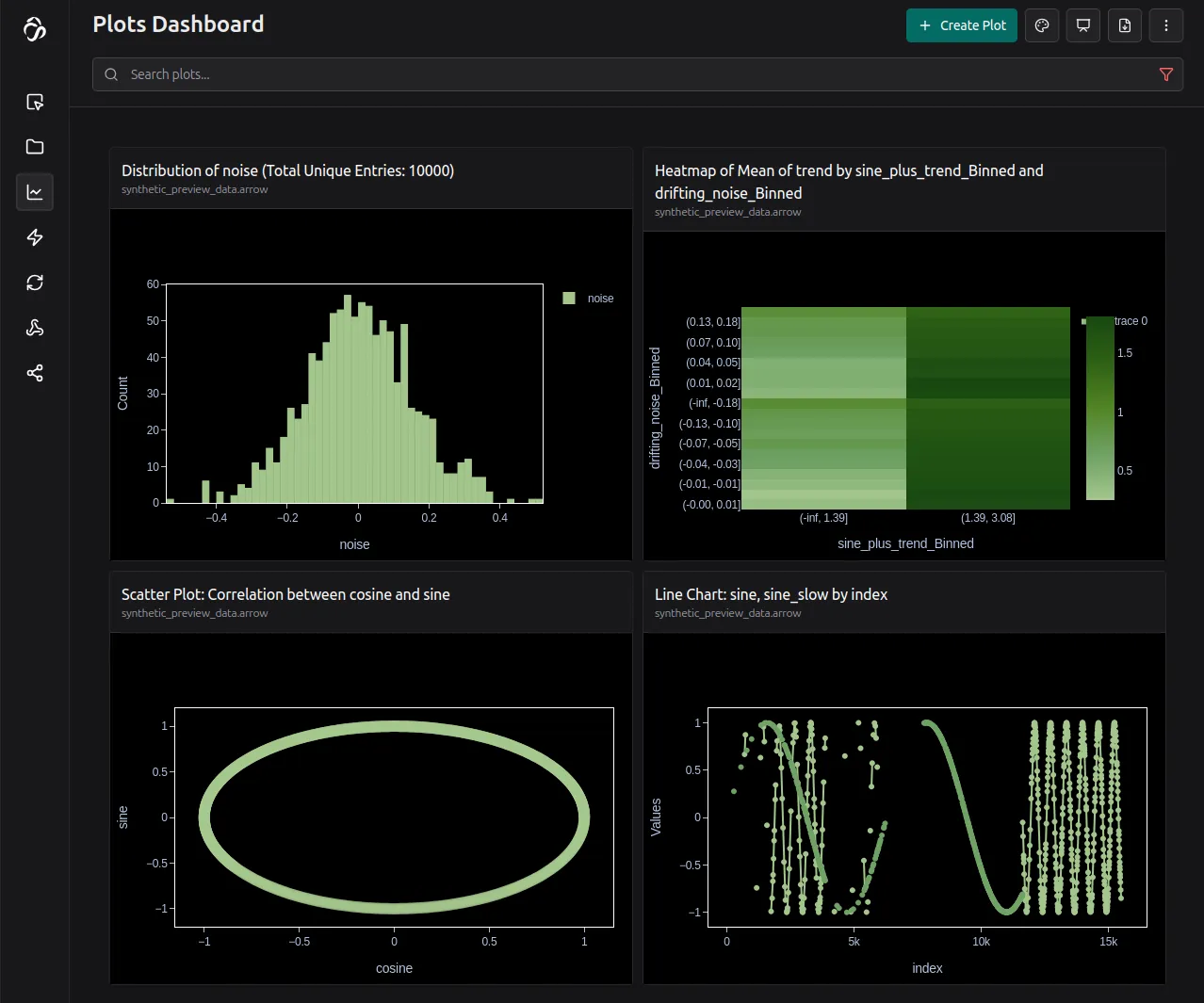
Copy the code below and run it for example in jupyterlab for testing.
import math
import time
import random
import aicuflow

# initialise aicuflow
ai = aicuflow.client(
    email="YOUR_EMAIL",
    password="YOUR_PASSWORD"
)

flow = ai.ensure_flow_by_title("basic math example")
file = aicuflow.file.byname(ai, flow, "synthetic_preview_data.arrow")

TOTAL_ROWS = 10_000
BATCH_SIZE = 500

buffer = []
start_time = time.time()

for i in range(TOTAL_ROWS):
    t = i * 0.01
    noise = random.gauss(0.0, 0.15)

    sine = math.sin(t)
    cosine = math.cos(t)
    sine_slow = math.sin(t * 0.1)
    sine_fast = math.sin(t * 3.0)

    trend = 0.002 * i
    scatter = random.random() - 0.5

    drifting_noise = noise * math.sin(t * 0.3)

    row = {
        "index": i,
        "time": start_time + t,

        "const_one": 1.0,
        "linear": i,
        "linear_norm": i / TOTAL_ROWS,

        "sine": sine,
        "cosine": cosine,
        "sine_slow": sine_slow,
        "sine_fast": sine_fast,

        "trend": trend,
        "sine_plus_trend": sine + trend,

        "noise": noise,
        "scatter": scatter,
        "sine_noise": sine + noise,
        "cosine_noise": cosine + noise,

        "drifting_noise": drifting_noise,
        "modulated": sine * (1.0 + noise),
        "envelope": sine * (0.5 + 0.5 * sine_slow),
    }

    buffer.append(row)

    if len(buffer) == BATCH_SIZE:
        file.append(buffer)
        buffer.clear()

if buffer:
    file.append(buffer)
You find more examples in the python library examples.