Arduino+ESP32 Library Setup
We created an open-source client library to help you connect from embedded / IoT projects. Like this you can easily integrate AI training, inference and data flows into your applications.
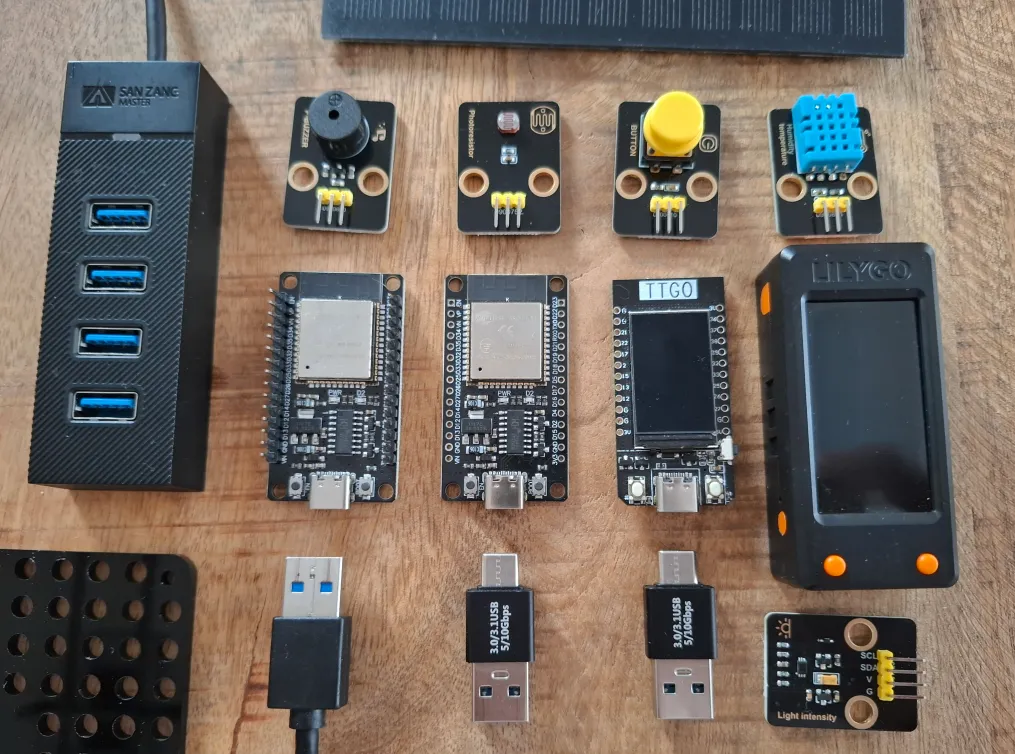
Yes, you can do aicuflow data ingress from an ESP-32 Microcontroller!
Resources
- IDE Setup Guide / Detail (this page)
- Tutorial: Arduino Beginner Tutorial
- Video Tutorial: Stream Data to the Cloud with Arduino Uno and ESP32
- Tutorial: Basic Sensor Plots on Arduino-ESP32 TFT eSPI Display
- Tutorial: Training models from Arduino-ESP32 sensor data in aicuflow and visualizing it
- More coming soon! Promise. :)
Our "embedded os" and library help you collect hardware sensor data easily.
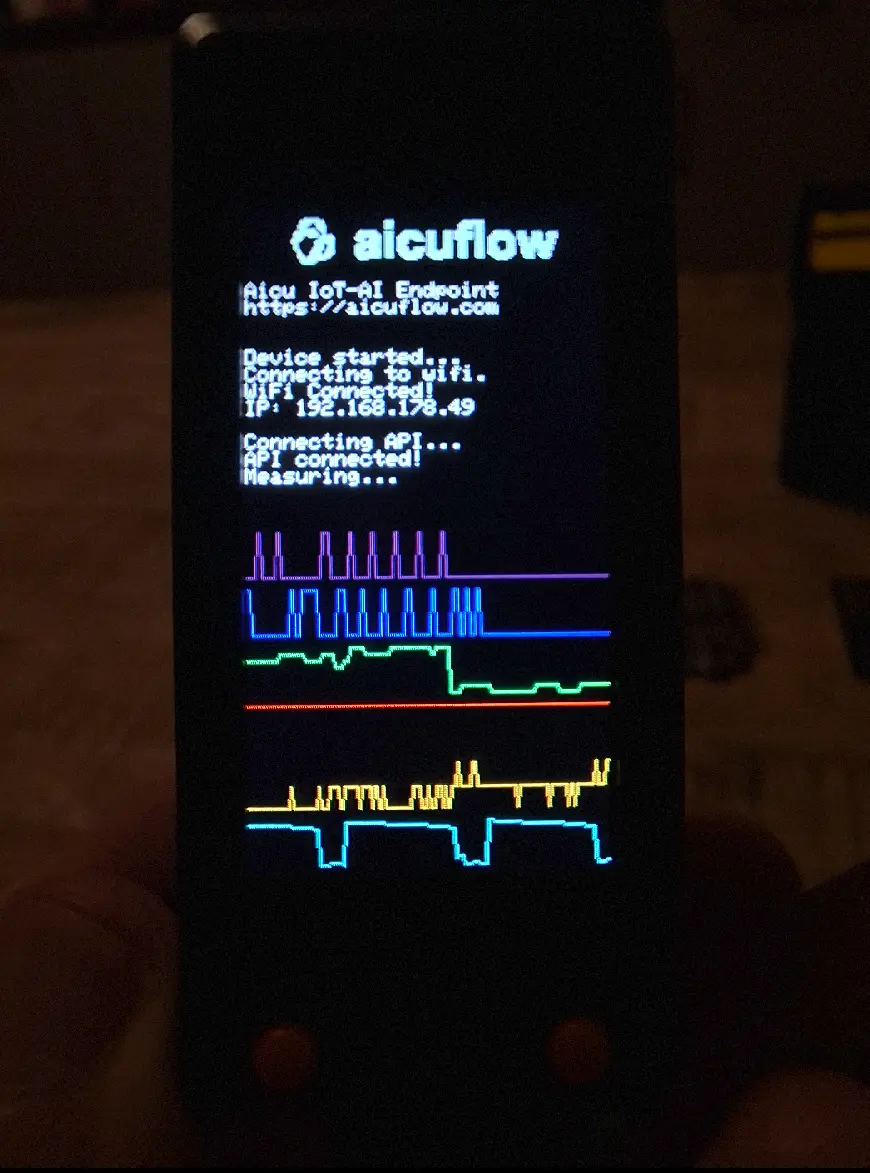
It also adds cool features to ESP32 microcontrollers (see github).
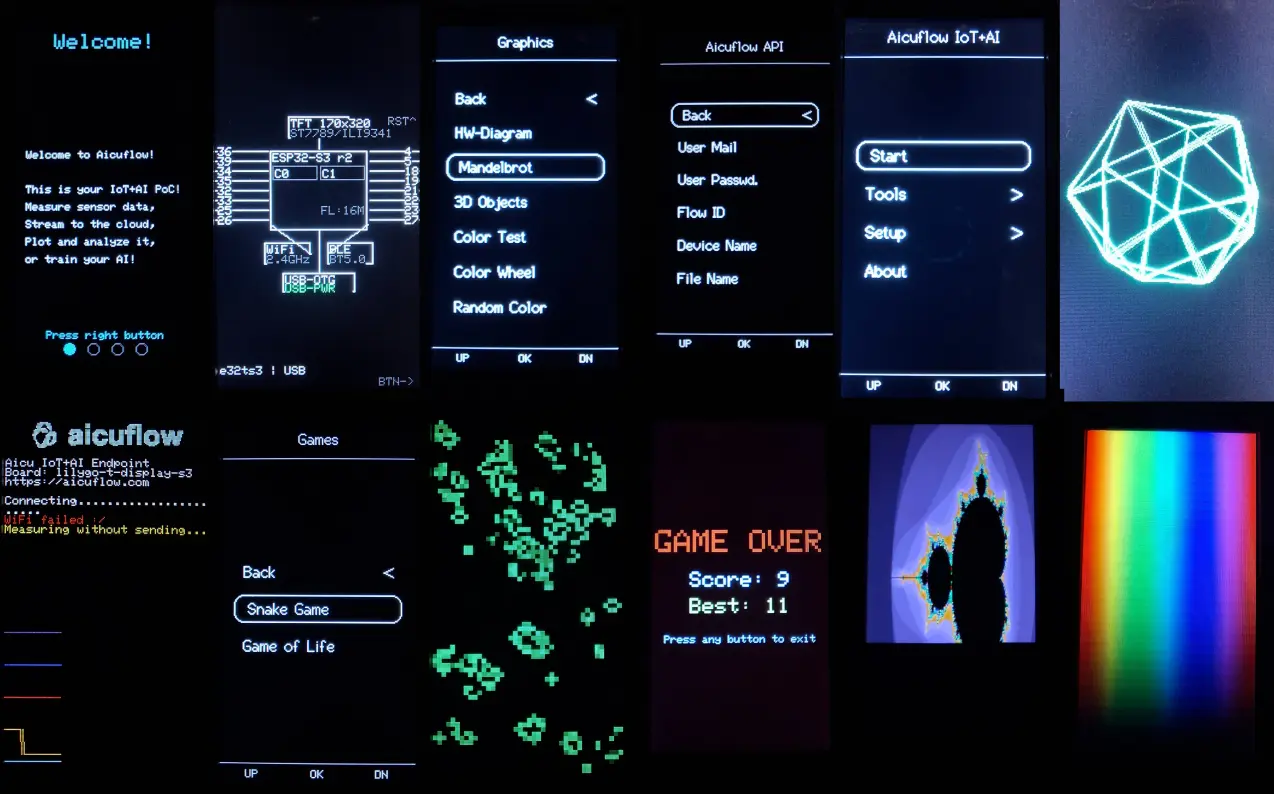
Supported Board Specification
We tested with the ESP32-TTGO-T1 and T-Display-S3. Here's a pinout (graphic by otronic):
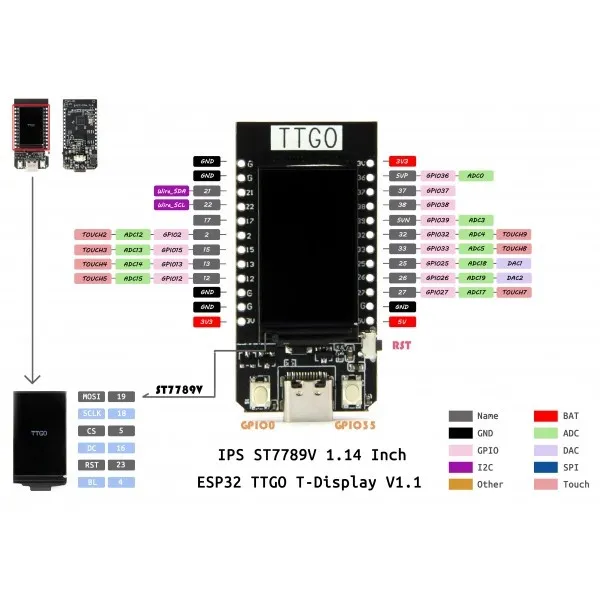
Other boards do work aswell, no worries! Check the github for details.
Installation
The installation is split in parts, of which you may skip some, depending on your current setup.
Arduino IDE with ESP32
-
Download and install the right version of Arduino IDE (Linux|Windows|MacOS)
On linux you might need to install fuse before, and add the user to dialout group (for Serial communication)sudo apt install libfuse2t64 sudo usermod -aG dialout $USERPossibly you have to reboot after this.
-
Open Arduino IDE.
On linux you might need to run (adjust your version)chmod +x ./arduino-ide_2.3.7_Linux_64bit.AppImage ./arduino-ide_2.3.7_Linux_64bit.AppImage --no-sandbox -
Select the board. Select "ESP 32 Dev Board" or a fitting model you are using.
In case that doesn't work, you can go to
File > Preferences > Additional Board Manager URLs(windows, linux)
orArduino IDE > Settings > Additional Board Manager URLs(on mac)
and add:https://raw.githubusercontent.com/espressif/arduino-esp32/gh-pages/package_esp32_index.jsonThen you restart and go to
Tools > Board manager, search foresp32and add version3.1.0(tested;3.3.5might fail).
After that you can add a board likeTTGO T1if you have a LCD display. -
On Windows, you might need to install drivers
For example CP210x Drivers for Windows
Installing the library
Clone the official repository for example sketches and the library header files:
git clone https://github.com/AICU-HEALTH/aicuflow-arduinoWatch how the library was built:
How the Aicuflow Arduino Library Was Built
The library will soon also be installable from Arduino itself.
In upcoming versions, you will be able to train any ai model, run any flow with it.
For now, there's a tutorial:
Collecting, visualizing and training models from sensor data in aicuflow
Quickstart
Open the github repository for details.
Stream Data to the Cloud with Arduino Uno and ESP32
The Aicuflow Lab
We bought a few dozen esp32s from a manufacturer at first, to experiment with them and let the team gather data within our platform.
ESP32s are "pretty cool" according to our team member Finn for a few reasons:
- 240MHz of performance at low energy consumption
- WiFi and Bluetoot-LE integrated and straight forward
- USB-C Port (the old ones didn't have it though)
- Nice Analog capabilities (you can broadcast analog TV with it)
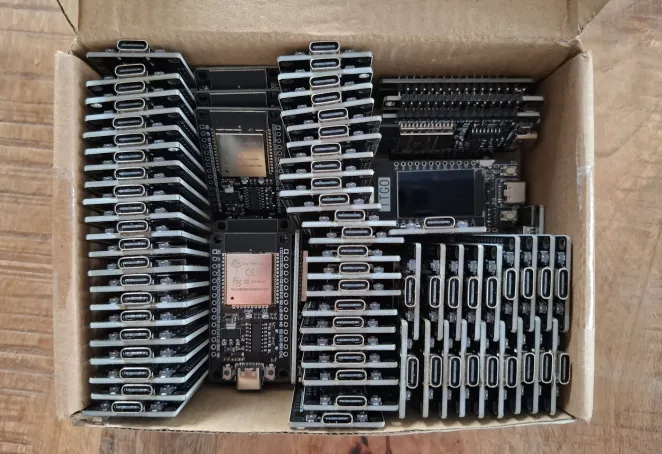
If we'd ever open an aicuflow merchandise shop, you could definitely buy these boards there too!
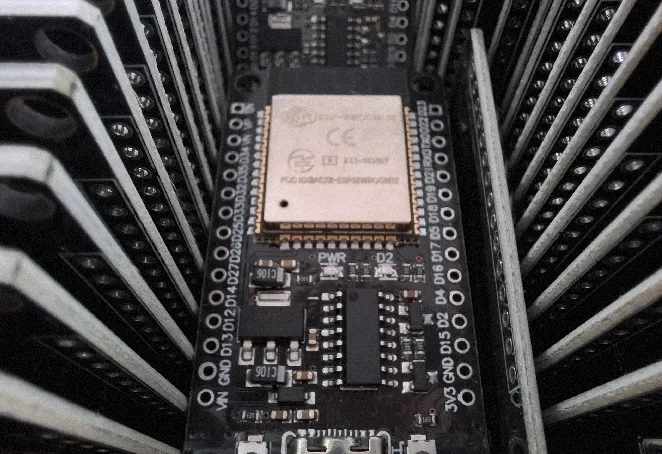
A few more ESP32 fun facts
- You can use a very imprecise Hall Sensor to detect Magnetism on older devices
- You can use the ESP32s Digital2Analog converter as a Software defined Radio for low frequencies
- You can control an analog TV with a ESP32 pins
- You can craft, view, transmit raw network packets for WIFI, BT and more
Many reasons to be excited about using this board with aicuflow!
Want to contribute?
Reach out to Finn for this.
Helpful links
- Png to C++ Headerfile Converter - display images on TFT Screen
- Png to Base64 Converter - for images in html on device
- CSS Minifier - for hosting sites on device
Android Library Setup
We created an open-source client library to help you connect from Androdid devices and apps. Like this you can easily integrate data gathering, AI training, inference and data flows into your application releases.
Arduino Beginner Tutorial
This is a beginner tutorial. It takes about 2 minutes to read and 10 minutes to understand. Get ahead quickly with learning arduino from scratch. After this, you are ready to start connecting Microcontrollers to Aicuflow.